
NPS Score In this video, I go over the functions of NPS and how to turn it On or Off Joshua Diaz
The ability to turn of NPS score enables your clients to bypass the NPS score and leads them straight into leaving a review.
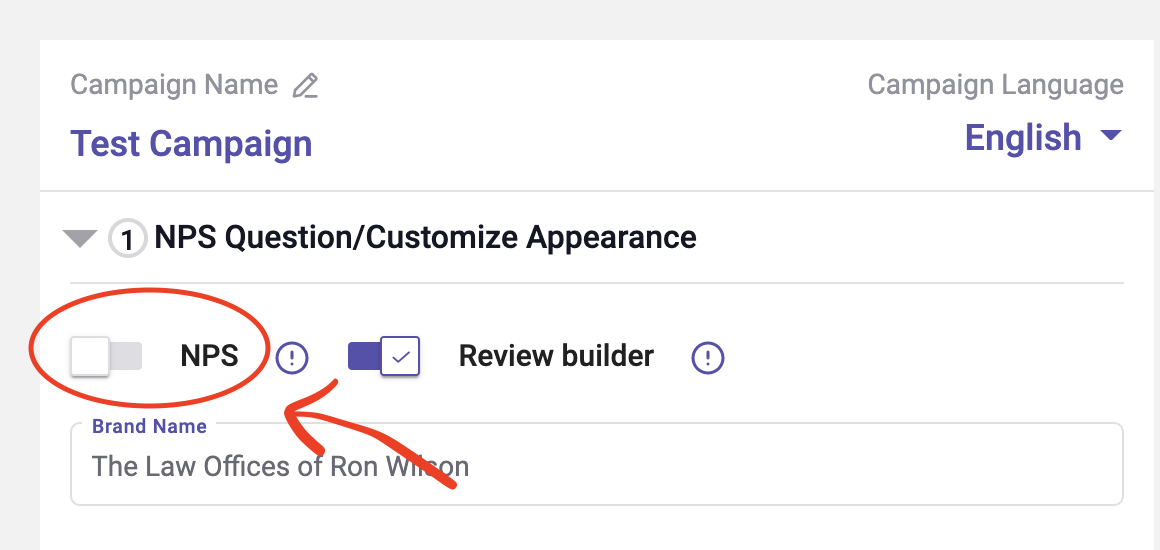
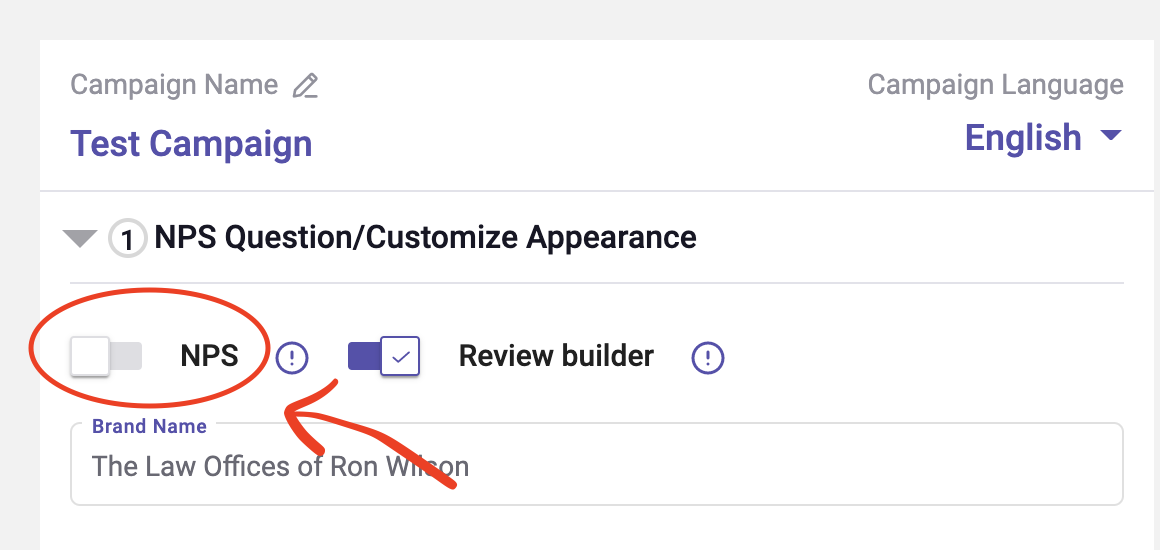
Additionally, this feature now creates a more flexible experience for when creating a campaign. Further, you now have multiple options between the NPS score and the Review Builder which you see in the screenshot above.
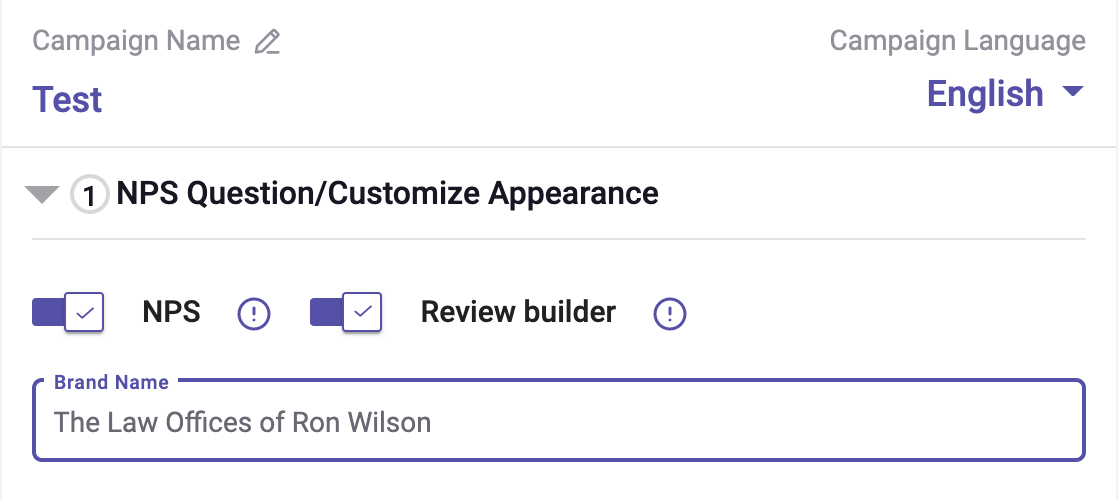
NPS On / Review Builder On
The first option is the traditional way of having both NPS and Review Builder turned on.
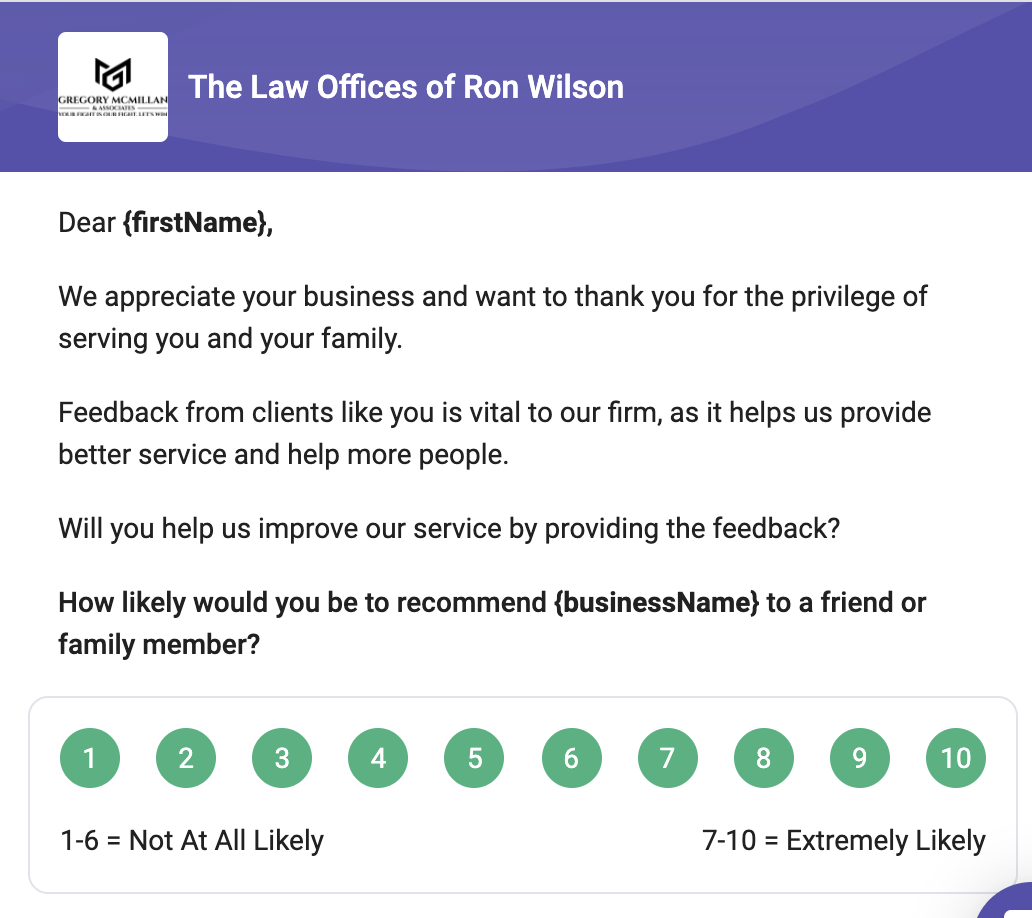
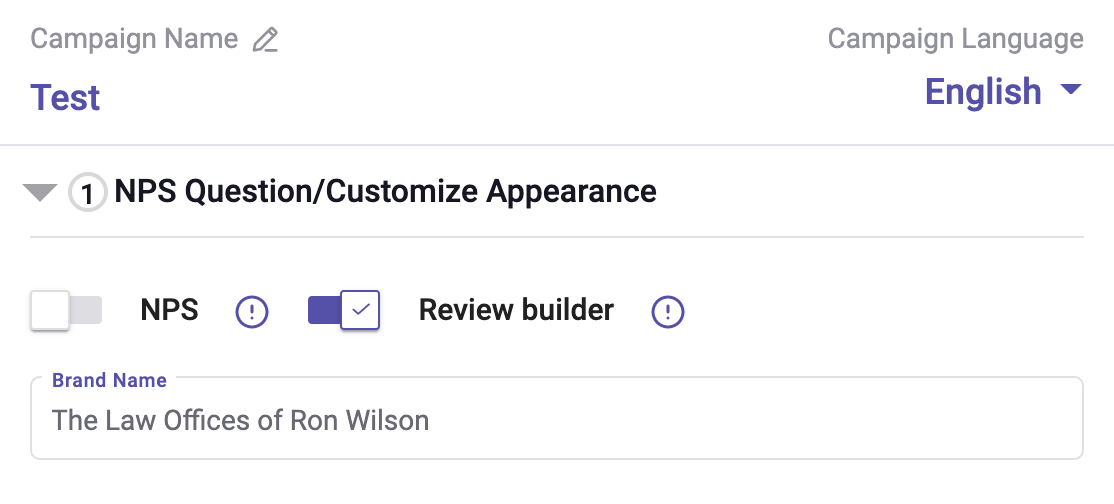
NPS Off / Review Builder On
The next option we have is turning NPS off, while leaving the Review Builder on. This is new. It will allow your clients to go straight to leaving a review either by using the Review Builder or leaving a review straight to the review site without having the NPS option required in the email.

NPS On / Review Builder Off
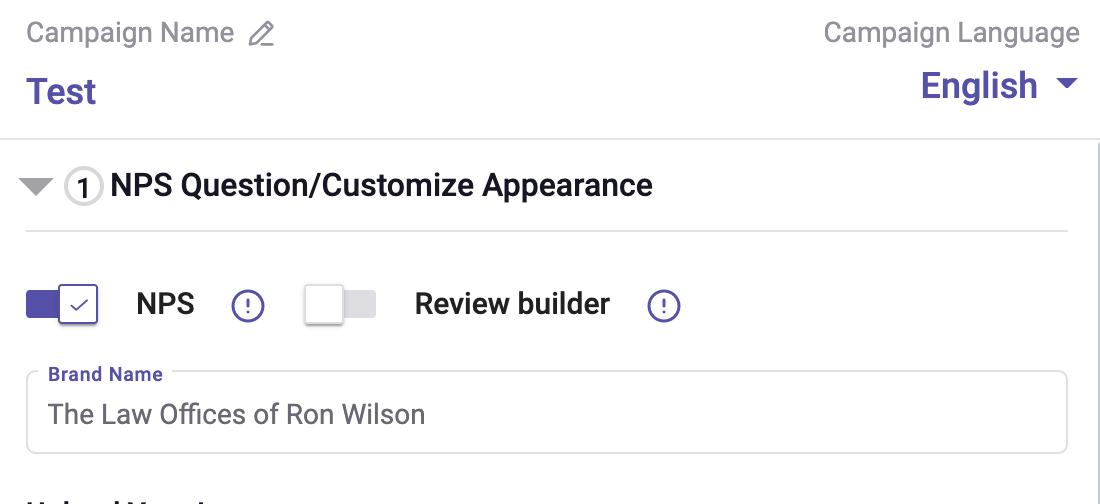
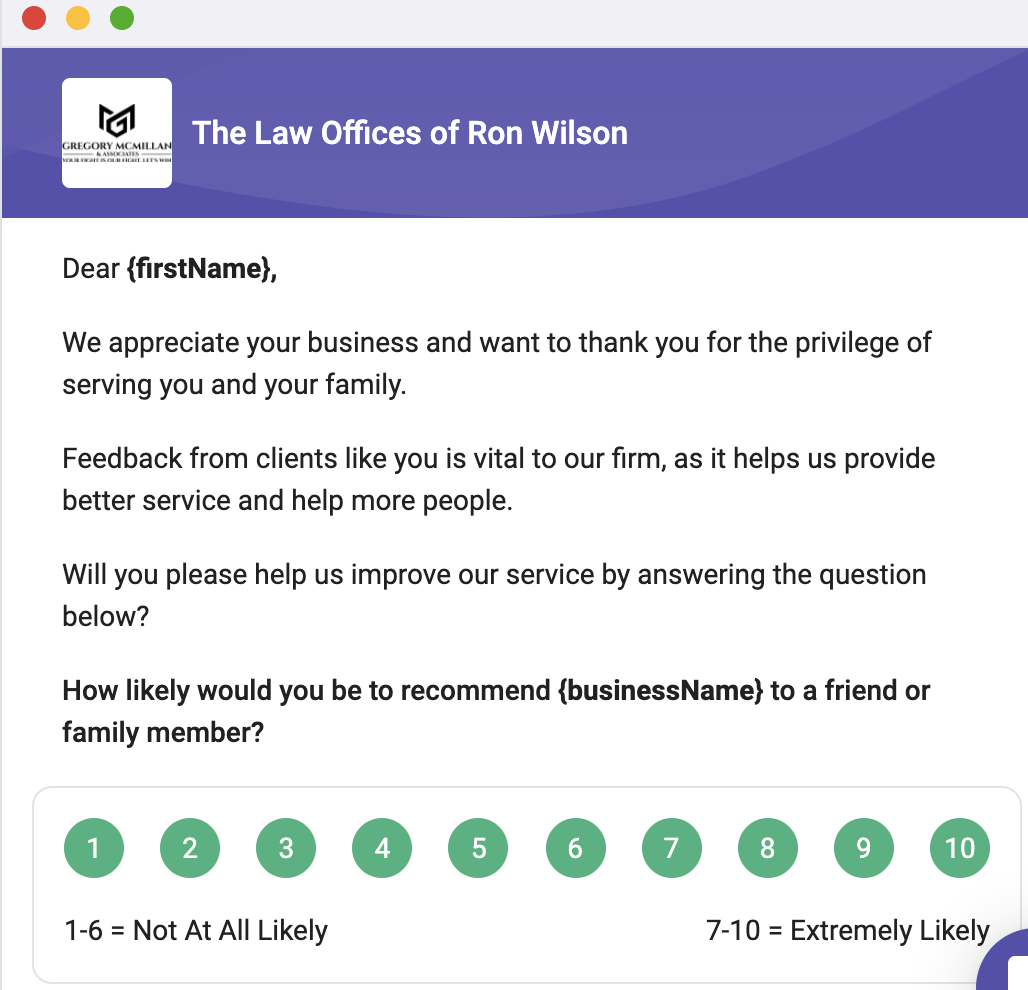
The third option we have created is the have NPS score turned on, with the Review Builder turned off. This is an NPS Only campaign that continues
to use positive and negative landing pages to prompt for a direct review not using
the review builder but still allowing the NPS to trigger feedback or links to review links.
NPS Score Off / Review Builder Off
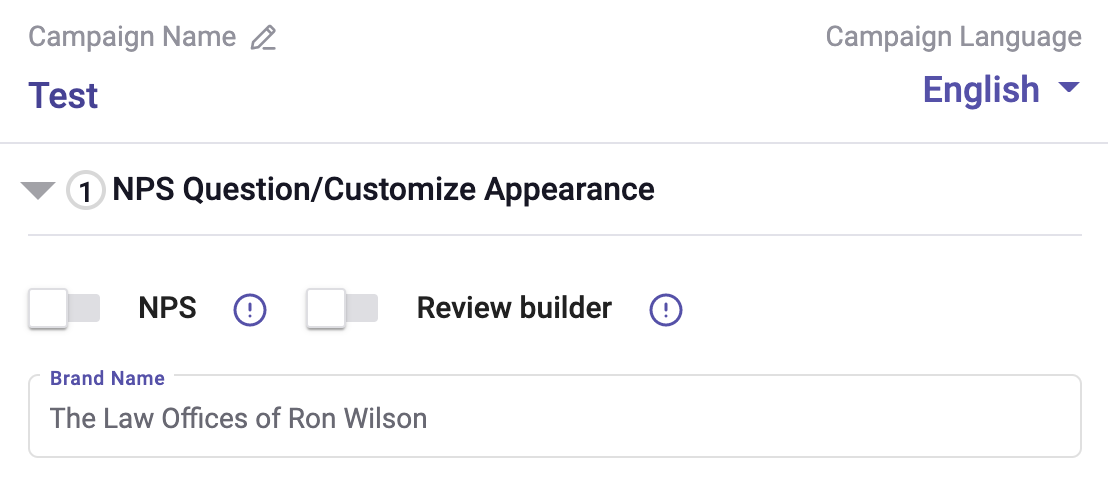
The final option we have is to turn off both NPS score and Review Builder. This is the more traditional way to ask for reviews, directly via email or SMS. No landing pages, no scoring...just getting straight to the review.

Having multiple options is beneficial because it allows free forming reviews and higher conversion rates.
Next Steps
Check it out for yourself by going into your account and creating a New Campaign here.
Did this answer your question?